Since it appears that Houston not only will miss out on a white Christmas, we’ll have pretty toasty one instead, we thought we’d spread some holiday cheer with a Festivus-themed Q&A. We do these every so often, and you can always leave questions for future Q&As in the Weather Talk category of our Discourse forum. Time to saddle up Rudolph and get to answering!
Q. You’ve been talking about “White Christmas” a lot, but how many times in Houston have we actually had snow on Christmas Day? Is that kind of information readily available and if so, where would I find it?
A. Snow on Christmas feels like a true Festivus miracle in Houston. This is because our city is located pretty far south, and near the warm Gulf. It can snow here and roughly speaking we get at least some flurries about once every four years. But most commonly these snowfalls come in January or February. It is more difficult to get air cold enough, with lingering moisture for snowfall, in December. But we have had one White Christmas in Houston, at least for a majority of the area.

Most locations along and south of I-10 recorded meaningful snow on Christmas Eve, 2004. Areas such as Alvin and Brazos got 6 or more inches (see more totals here). I lived in Clear Lake at the time, and I remember walking outside that night, holding my two-month-old daughter, so she could experience it. For most locations the snow stuck into Christmas morning. Houston had never recorded a White Christmas before then, and we have not since. So yes, it is possible. But the odds of seeing one again in our lifetimes is probably pretty low. The chance of it happening this week is zero.
I don’t know of any source of information that’s just about snowfall, but you look up historical weather data here and here.
– Eric
Q. Sometimes I feel like this forecast is for a completely different city. I ran outside this morning in a T-shirt and shorts and at no point was I cold. Also, my temp was 47 on my ride into work at 4 a.m. today, Tomball to Woodlands. Last week, or maybe two weeks ago, my dashboard thermometer said 39, and it was legitimately cold outside. And again, SCW said it hit freezing that day. Something with the temps doesn’t align with what I actually see. It’s a solid 8-10 degree gap each time. What gives?
A. All right, air your grievances, reader!

So, we can’t speak specifically to the cases you’re talking about here. However, there is some context to add. First off, never, ever trust your car thermometer. Just don’t. Most temperature sensors in the area are calibrated to a certain degree of accuracy, whereas your car thermometer can be wrong due to any number of reasons. Even at night, when heat isn’t radiating off the pavement, it can still be too warm. Perception and reality are two very different things.
On any given morning, there can actually be temperature variability. Take last Monday for example. Temperatures ranged from 28 to 35 across the region in the morning. Back on December 9th, the differences were even greater, with temperatures ranging from 36 to 48 degrees. Morning lows depend on proximity to the Gulf, urban heat island, and cloud cover, among other things. So we may say that it’s freezing in parts of the area, which would be true. However, in other parts? Maybe not.
And your own personal experience running with a T-shirt and shorts is probably different than if my neighbor chose the same attire. (For the record, I’d probably be with you on it not feeling too bad.) Everyone adapts to cold differently and feeling one thing or seeing one thing in your backyard and seeing another in another location doesn’t necessarily make any of those temperatures incorrect. But just don’t use the car thermometer!
– Matt
Q. What makes the jet stream move? Why does it move north and south, and give us El Niño and La Niña?
A. The jet stream is, essentially, a narrow river of wind in the upper atmosphere at about 30,000 feet. This is near the cruising altitude of many airplanes. The jet stream shifts north and south in response to cold and warm air masses. Generally, the Northern Hemisphere jet stream shifts north during the summer and shifts south during the winter months.
As you note, the presence of El Niño and La Niña also play a role in the location of the jet stream. For example, we are currently experiencing a La Niña in the equatorial Pacific Ocean, which should continue for the next month or two. During a La Niña winter the jet stream often meanders high into the North Pacific and and is less reliable across the southern tier of the United States. For us in Texas, that generally means a warmer and drier winter, which we are going to experience this week.

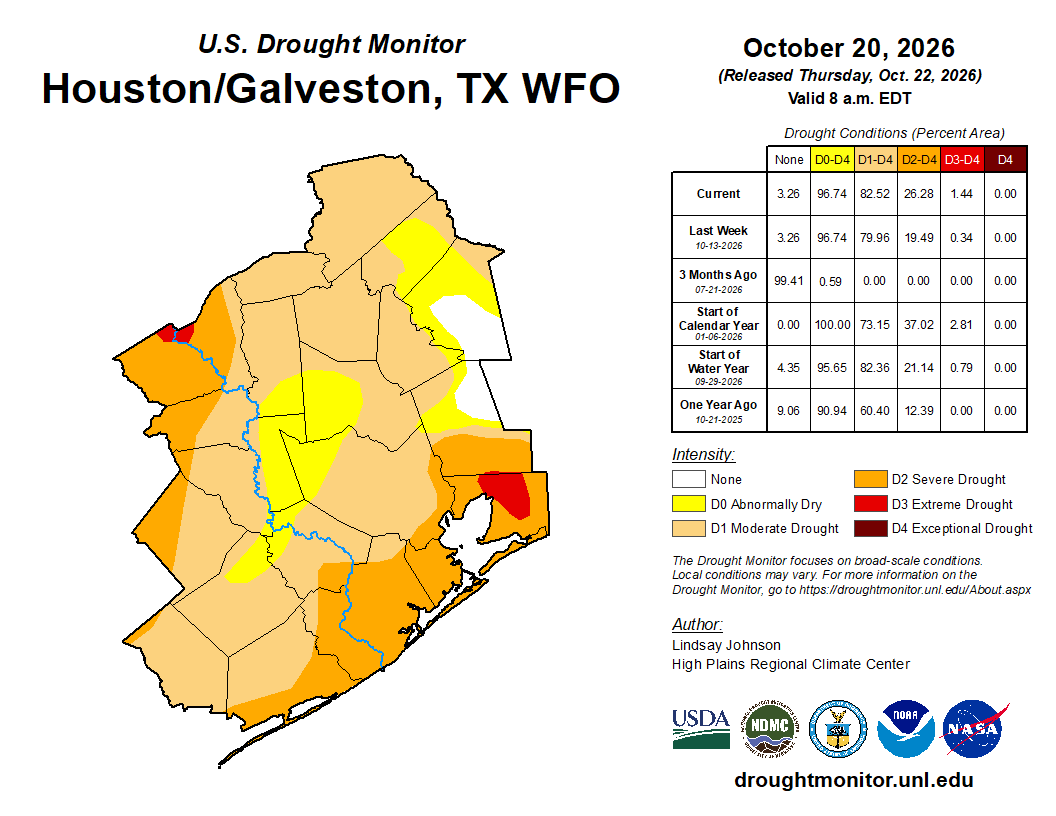
Q. I finally got rain at my house! Things are still a little dry but it was welcome. How much rain has to fall before a drought is considered over?
A. The unsatisfying answer to this question is very much “it depends.”
During the horrific 2011 drought in Texas, some places would have needed 20 inches of rain over a sustained period of time to end the drought. Back in the hotter but slightly less drought-plagued 2023 summer, we needed about 6 to 12 inches to end the drought here in Southeast Texas.
Much like every flood, every drought has a unique set of circumstances. It depends on the time of year, duration of dryness, prior weather in the weeks and months leading up to that point, soil and geography, and on and on. All droughts have fingerprints that differ from previous ones. Some are more water-supply problematic. Others are not a problem for water supply but a serious one for farming and livestock. Some come with high fire danger, others will slightly less fire danger. Again, it all depends.
In general, you want to make up most of the deficit you’ve accrued since the drought began, but it needs to occur over a sufficiently long period of time for the soil and system to respond adequately. Getting 20 inches of rain in a day when you’ve racked up a 20-inch deficit over 8 months will only temporarily ease drought. But 15 inches of rain spaced out over 3 months is probably enough to do it. Like all things weather and climate, it’s nuanced!
– Matt
Q. With climate change causing, well, changes to the climate, at what point does “unusual for the season” become “the new normal”? When do meteorologists get to say “80 on Christmas is about normal for this time of year”? And I wish I didn’t have to ask this question!
A. I wish that as well. But here we are.
When meteorologists use normals, we are referring to an average of temperatures over the past 30 years. (To see Houston’s normal temperatures, go here). These get updated every decade. So at present, our “normal” temperatures are based on a period from 1991 to 2020. Over time these “normals” have been warming due, at least in part, to climate change. For example, the map below shows how the dataset for “December maximum temperatures” changed when the dataset switched from 1981-2010 to 1991-2020. Nearly the entire country had a “new normal” that was 0.5 to 2 degrees warmer, on average.

At present the “normal” high is 64 degrees in Houston on Christmas Day, and the “normal” low is 44 degrees. This year, for many of us, the daily low on Christmas may not even reach 64 degrees. Hopefully meteorologists never get to the point where we say 80 degrees is “normal” for Christmas in Houston. If that does happen, however, our boiling planet will have a lot greater problems than just worrying about a warm Christmas in Texas.
– Eric